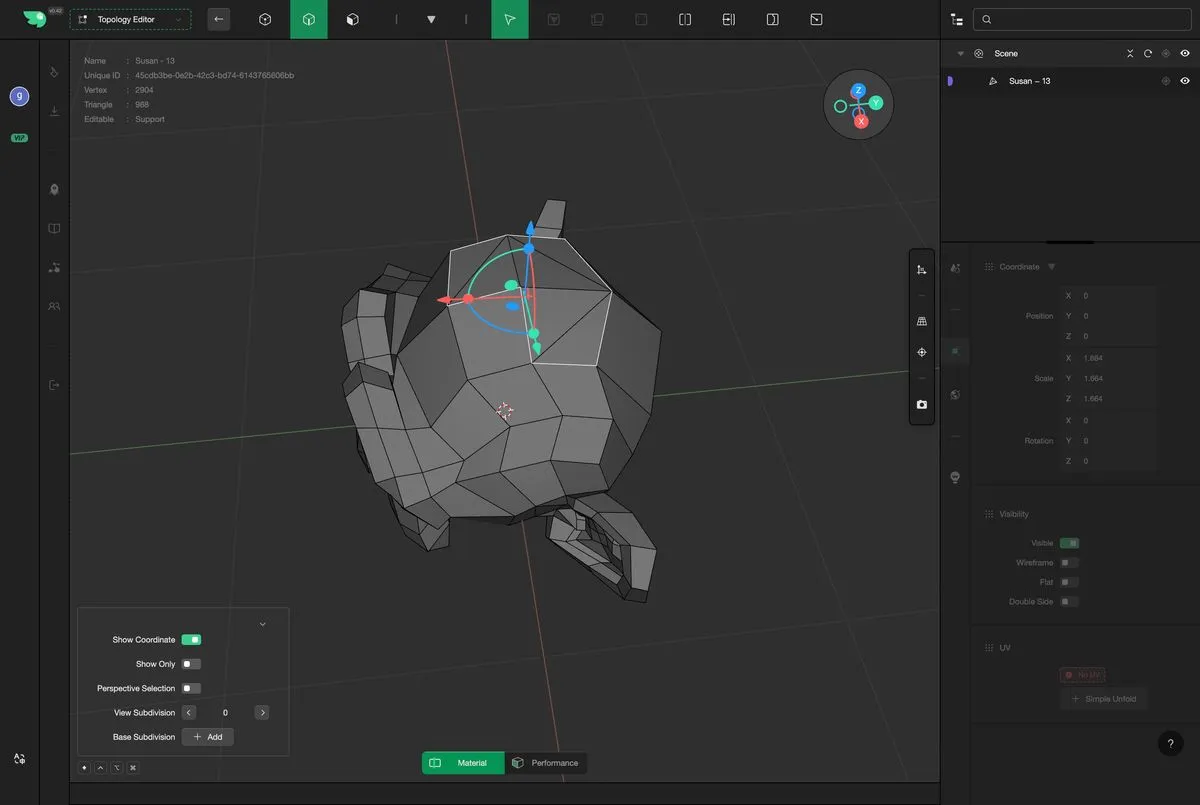
Hole Fill
Hole filling refers to the process of repairing a geometry with missing regions by adding appropriate faces and vertices to close open boundaries, thereby creating a complete and continuous surface. This operation aims to fix missing areas in a model, making its topology more complete and suitable for downstream processes such as rendering, simulation, or 3D printing. Simple hole-filling operations can quickly seal gaps and restore the watertightness of the geometry.
First, select an edge on the boundary; double-clicking will select all connected boundary edges.
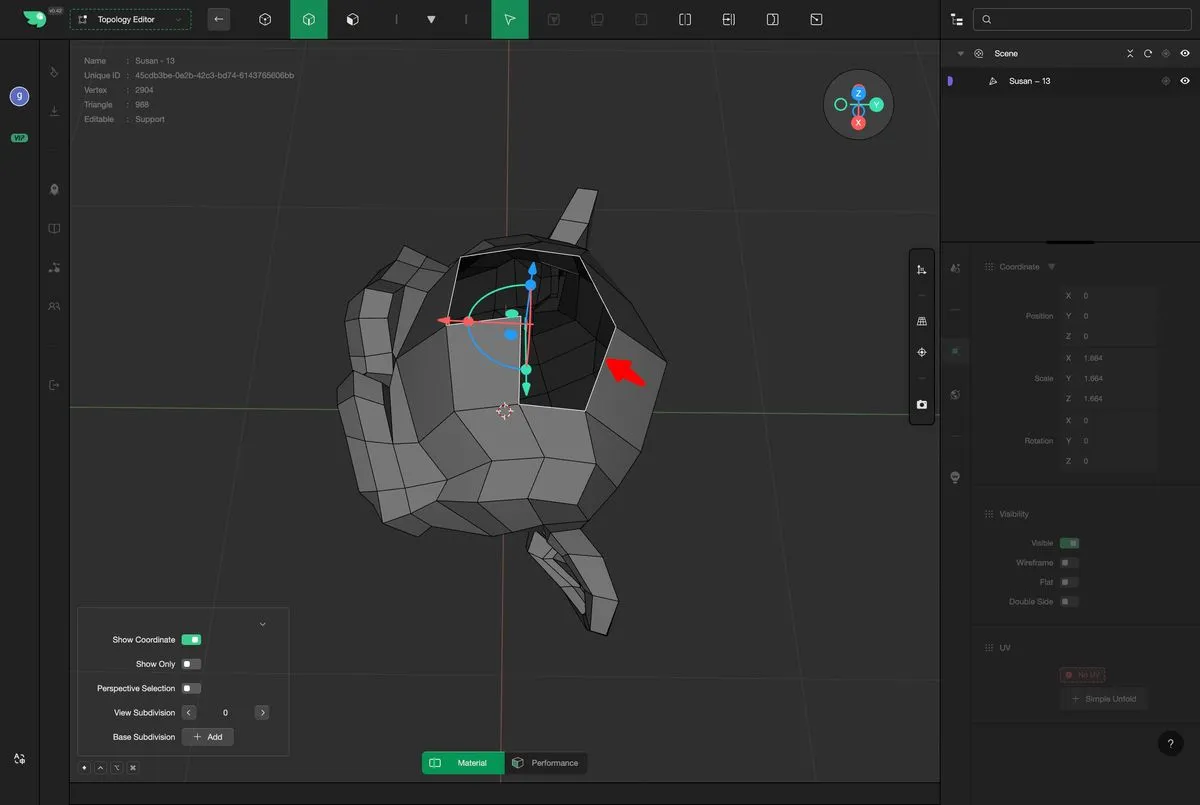
Select "HoleFill" to proceed.
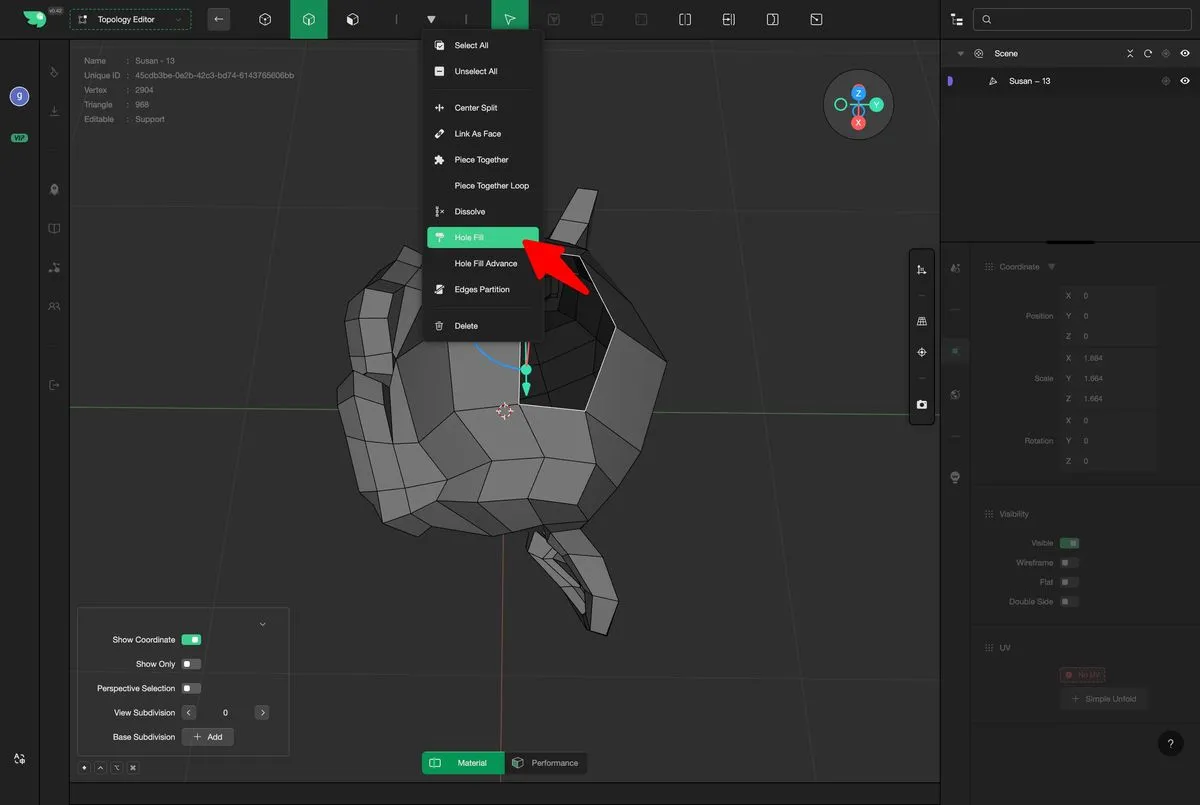
Execute Fill