Substantialization
**Solidify Modifier, commonly known in other 3D software as Shell, is a powerful tool used to convert single-layer surfaces—such as planes, curved surfaces, or polygonal meshes—into three-dimensional solids with actual thickness. By extruding the surface outward and/or inward along the face normals, it adds volume to geometry that would otherwise be infinitely thin. This enables the creation of closed, watertight meshes suitable for 3D printing, physical simulation, or engineering applications.
Tips: Watertight geometries are not supported by this modifier, as the solidify operation is primarily designed for non-closed meshes with open boundaries or single-layer surfaces. Applying the Solidify modifier to a model that is already closed and volumetric may result in redundant geometry or topological anomalies. Therefore, the system typically restricts its use on watertight meshes and recommends checking the model’s open edge status before proceeding with the modification.
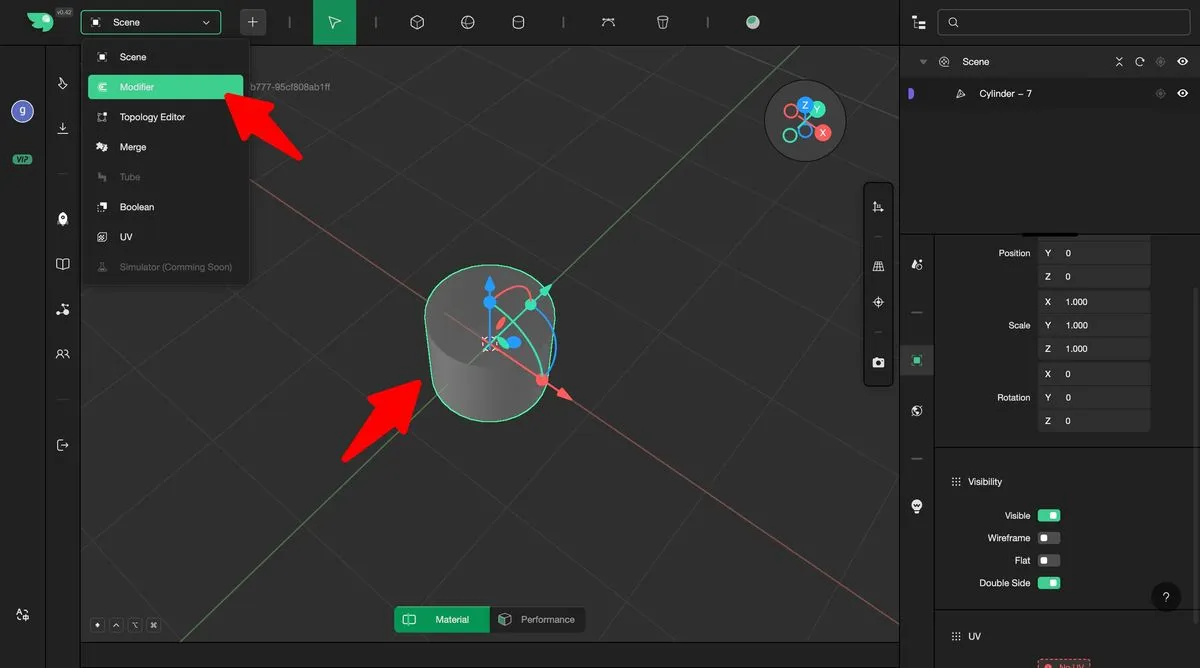
Select the model to be edited and switch to Modifier mode.
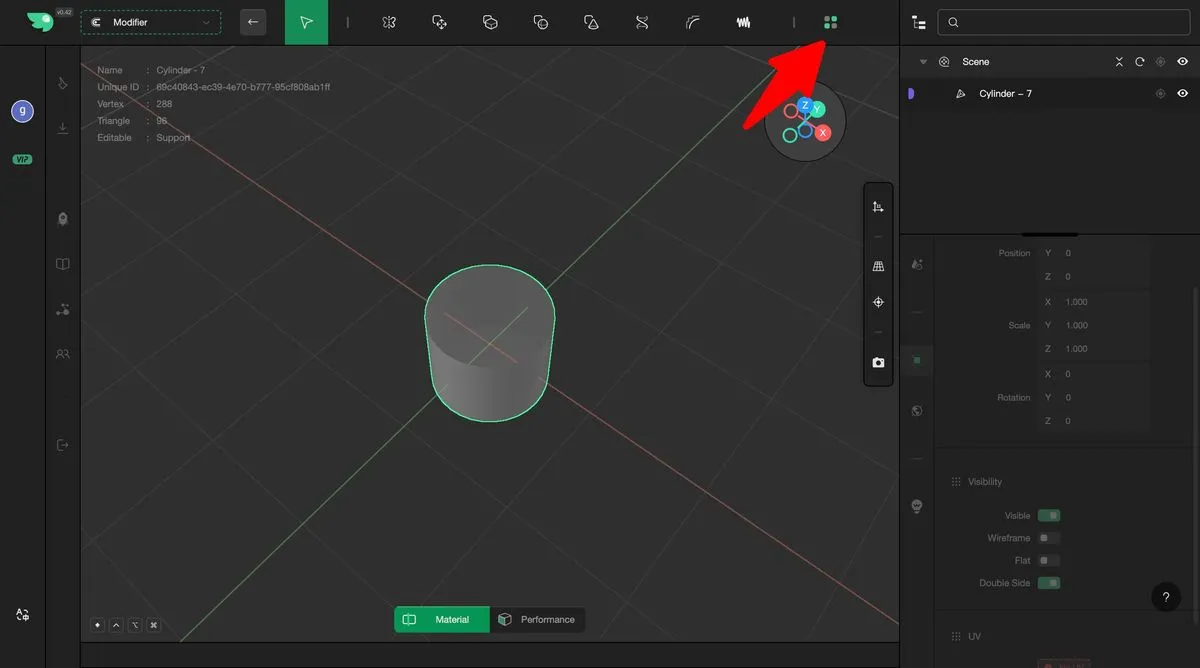
Open the Advanced Modifiers panel.
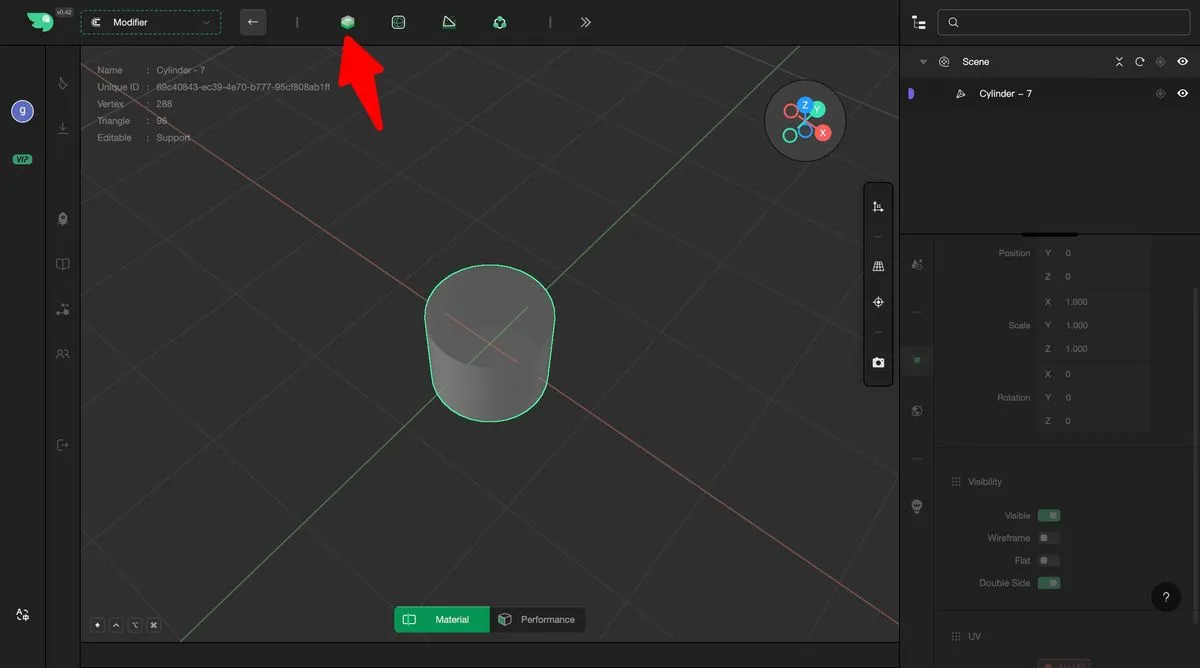
Select the Solidify Modifier.
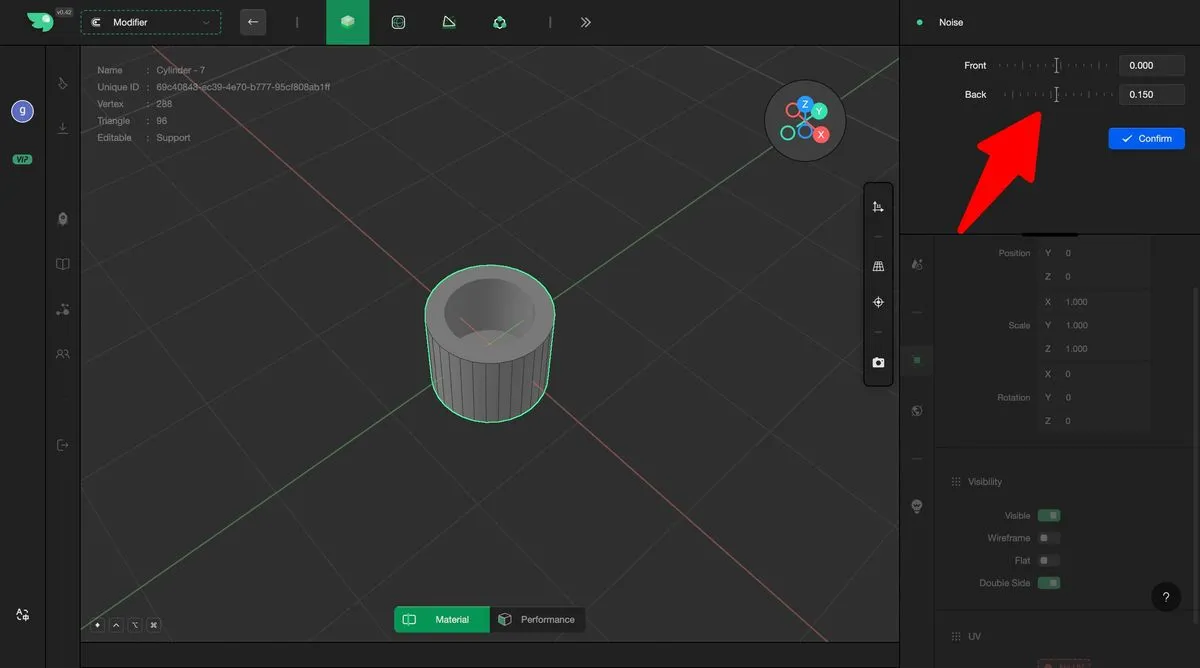
Adjust the front and back offset to complete the solidification.