Merge
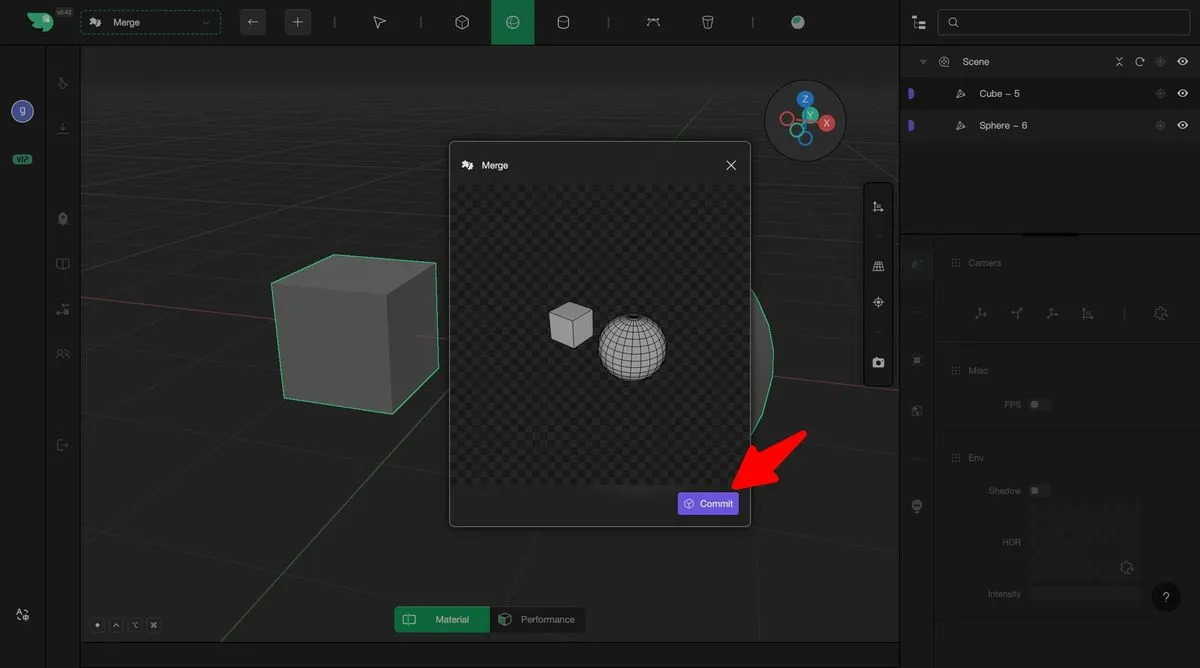
Make3D supports topological editing of individual geometries. In certain scenarios, users may need to combine multiple separate geometries into a single unified object to enable cohesive geometric operations—this can be achieved using the Merge function. By selecting multiple editable geometries and performing the merge operation, the system combines them into a single, continuous geometry. The resulting merged model can then be edited and modified as a whole. It is important to note that only geometries in an editable state can participate in the merging process.
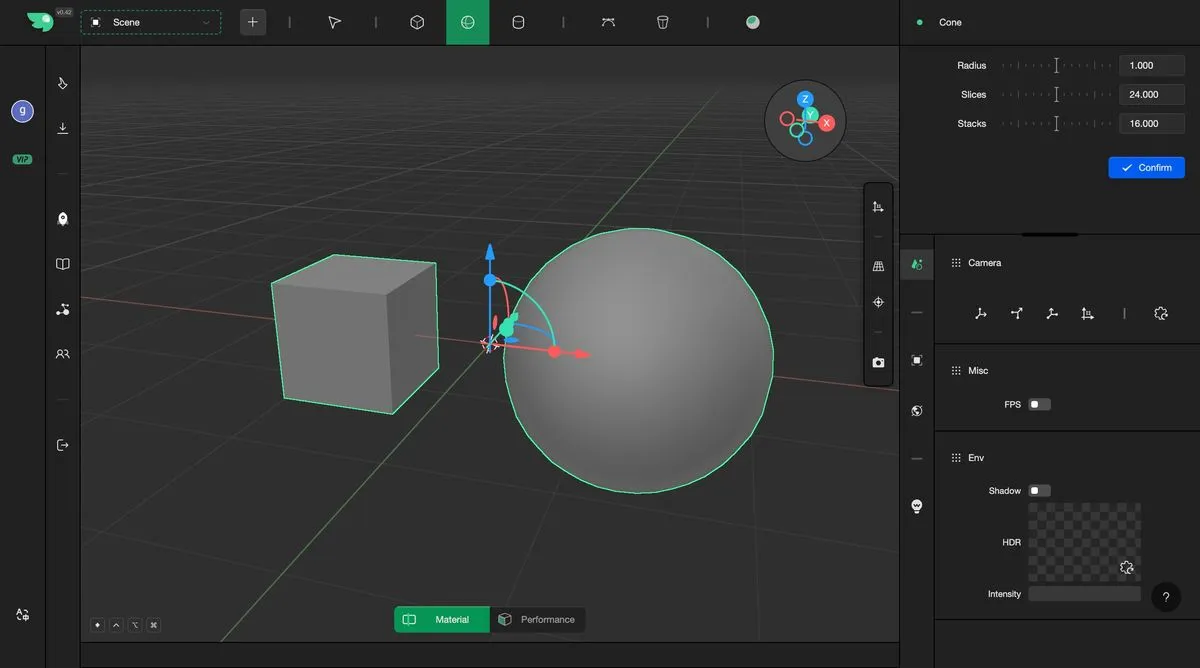
Select the geometries to be merged
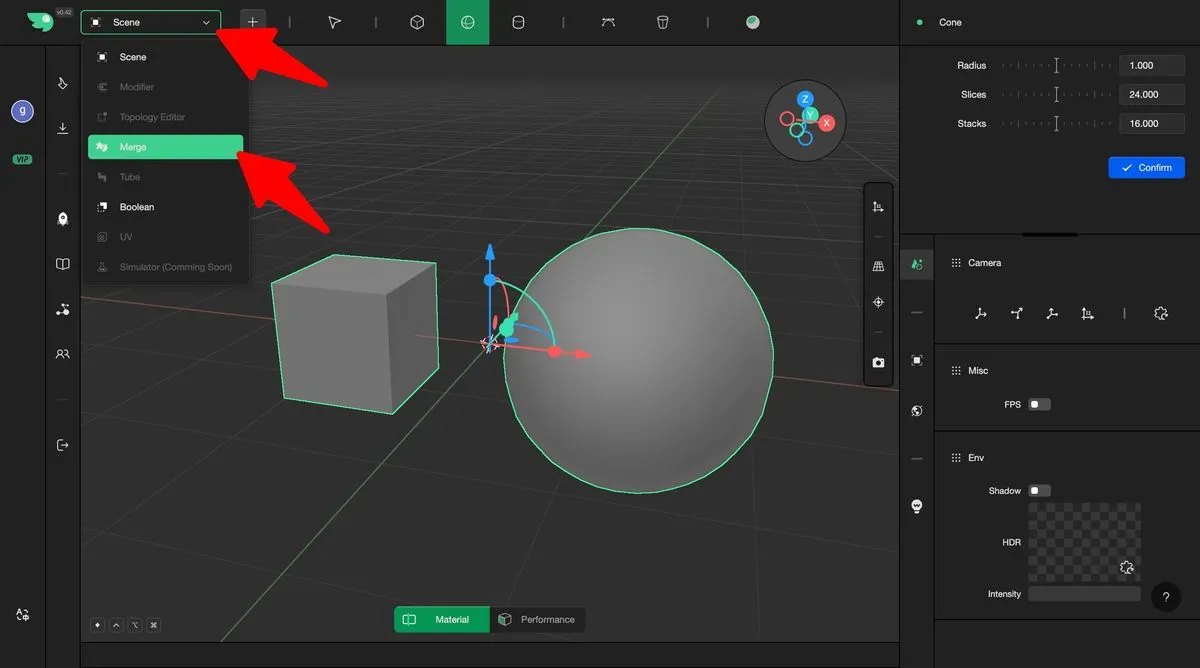
Choose the merge mode
Perform the merge and add the result to the scene